

Steps:
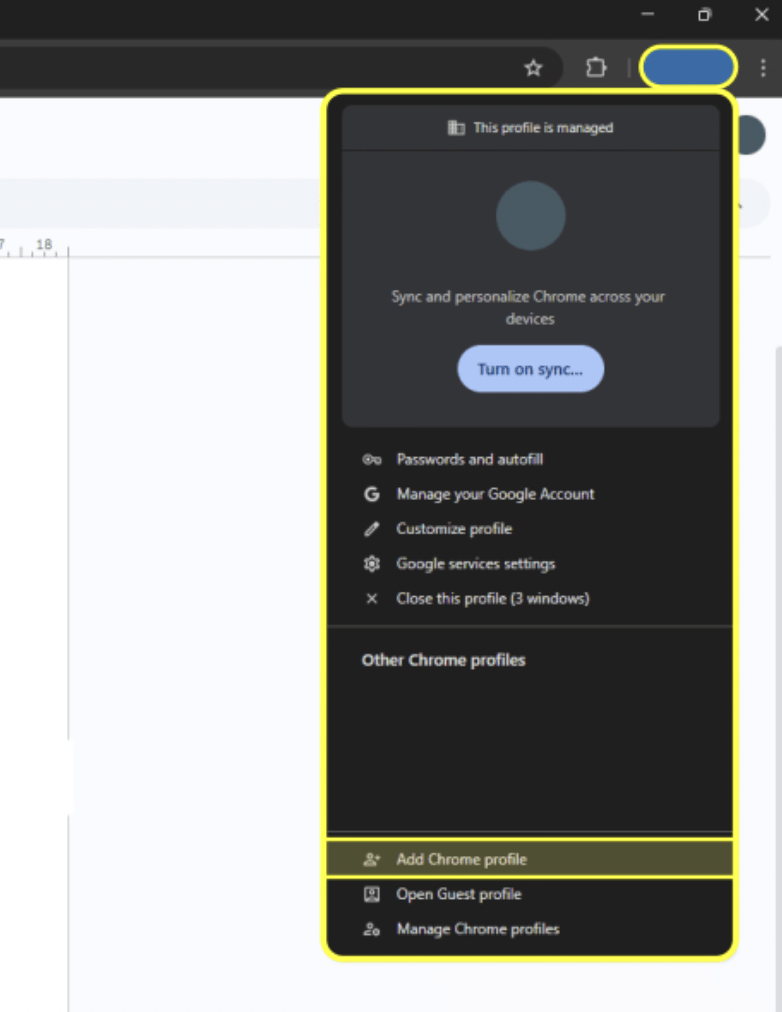
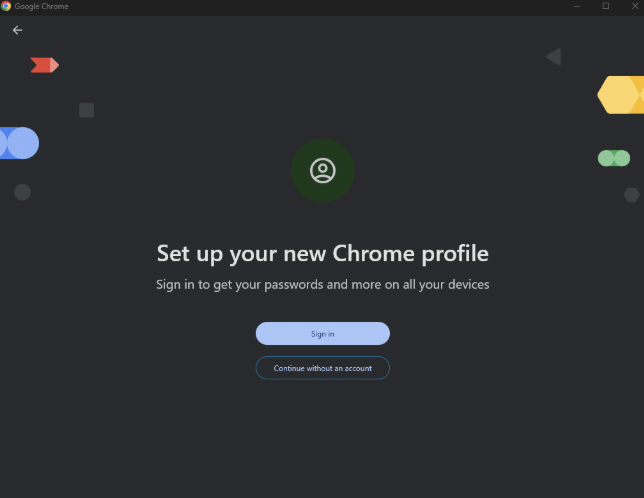
- Create a Chrome profile – Set up a new Chrome profile and sign in using your Micro1 email credentials
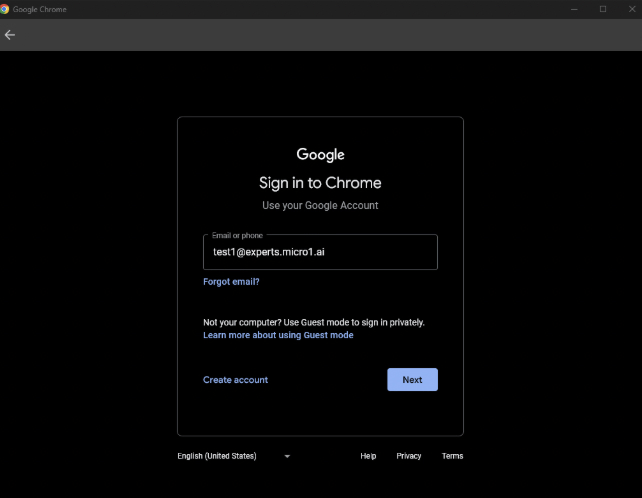
- Log in – Enter the micro1 email and the password provided to you.
- Update your password – You will most likely be prompted to update your password. When you do, save the updated credentials in a secure place.
- Access pipeline resources – With this profile, you will have permission to access all pipeline resources tied to your micro1 account.
- Check your email – You can access your micro1 inbox through Gmail as usual.